













7 Days to Die Hosting
Host your 7 Days to Die server in France with HelloServ. Enjoy a 10 Gbps infrastructure protected by Game Anti-DDoS, simple control panel, optional daily backups and 24/7 support. Your server ready in less than 60 seconds.
 Hosted in France
 4.7/5 89 reviews
With your 7 Days to Die server
24 Tbps+ · included
Delivery
60 s · after payment
Support
24/7 · ticket, Discord
Slots
unlimited
7 Days to Die server pricing, 8 to 32 GB of RAM
8 GB with friends, 12 to 16 GB for a community. Fixed price while you keep the plan.
-
 7 Days to Die Lite8 GB RAM€7.99incl. VAT / month €6.39
instead of €7.99incl. VAT / monthbilled €76.72 incl. VAT per yearOver 2 months free+ free backups- 2 vCPU
- 40 GB NVMe
- Unlimited slots
-
7 Days to Die Start12 GB RAM€14.99incl. VAT / month €11.99
instead of €14.99incl. VAT / monthbilled €143.88 incl. VAT per yearOver 2 months free+ free backups- 3 vCPU
- 60 GB NVMe
- Unlimited slots
-
7 Days to Die PlusRecommended16 GB RAM€19.99incl. VAT / month €15.99
instead of €19.99incl. VAT / monthbilled €191.92 incl. VAT per yearOver 2 months free+ free backups- 4 vCPU
- 80 GB NVMe
- Unlimited slots
-
7 Days to Die Perf24 GB RAM€28.99incl. VAT / month €23.19
instead of €28.99incl. VAT / monthbilled €278.32 incl. VAT per yearOver 2 months free+ free backups- 6 vCPU
- 100 GB NVMe
- Unlimited slots
-
7 Days to Die Pro32 GB RAM€35.99incl. VAT / month €28.79
instead of €35.99incl. VAT / monthbilled €345.48 incl. VAT per yearOver 2 months free+ free backups- 8 vCPU
- 120 GB NVMe
- Unlimited slots
Anti-DDoS PlusThe included protection filters silently. As an option: an alert when each attack starts and ends, a log of the last 200 and priority support, for €6.98 incl. VAT / month.Discover the option
Game node components
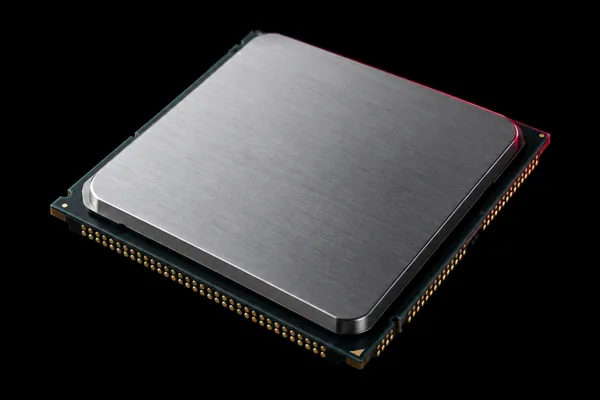 Processor
- AMD Ryzen 9
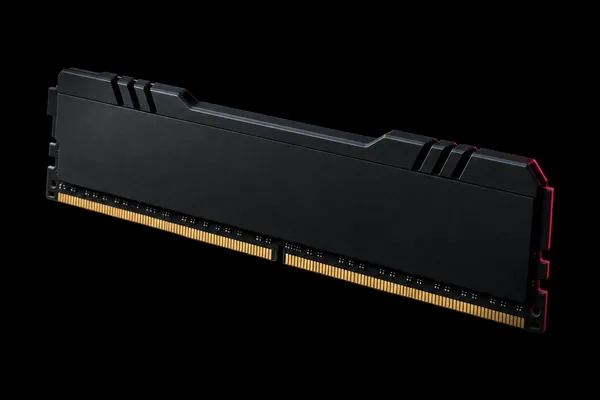 Memory
- DDR4 3200 MHz
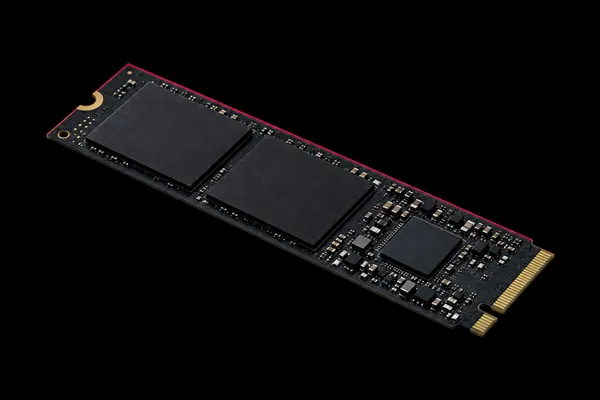 Storage
- NVMe SSD
 Network
- 10 Gbps
7 Days to Die customer reviews
4.7/5 89 reviews
Great 7 Days to Die server! Smooth Horde nights even with 16 players. Excellent performance.
 Alexandre7 Days to Die · October 2025
Great 7DTD host. Easy mod installation and ultra-stable server.
Maxime L.7 Days to Die · October 2025
Perfect 7 Days to Die server for our group. No connection or lag issues.
Dylan7 Days to Die · November 2025
Reviews translated from French.
Network and hardware in France
Your server is just a few milliseconds from your players and users, anywhere in France.
See the infrastructure How the anti-DDoS works
2 PoPs in France
Both in Auvergne-Rhône-Alpes: your servers never leave France.
AS215124 network
It is registered in HelloServ's name. If something goes wrong, we step in directly, with no subcontractor.
Owned hardware
The servers belong to HelloServ, they are not rented from another host.
Support 24/7
By ticket or on Discord. The people who answer you are the ones who run the machines.
Which plan for your 7 Days to Die server?
On 7 Days to Die, the load comes from the map size and from horde nights, when every connected player draws their own wave of zombies.
| Your server | Map and mods | RAM | Plan |
|---|---|---|---|
| With friends, in co-op | Navezgane or a generated 6K map, no mods | 8 GB | 7 Days to Die Lite · €7.99 |
| Regular group, long-running game | Generated 8K map, a few modlets | 12 GB | 7 Days to Die Start · €14.99 |
| Active community, several bases | 8K to 10K map, modlets and mods that add items | 16 GB | 7 Days to Die Plus · €19.99 |
| Public server | 10K map, one large overhaul mod | 24 GB | 7 Days to Die Perf · €28.99 |
| Server full around the clock | Several large mods, stronger hordes | 32 GB | 7 Days to Die Pro · €35.99 |
The first start of a generated map takes several minutes while it is created, longer at 10K. Later starts load from the save.
Hordes, map and mods for your 7 Days to Die server
Horde frequency and size
The blood moon comes back every 7 days by default. In serverconfig.xml you set its frequency and how many zombies are alive at the same time for each player, 8 by default. It is the night the server works hardest: raise that setting in small steps and watch CPU and memory in the panel during the first horde.
Navezgane or a generated map
Navezgane is the map built by hand by the developers. A generated map starts from a seed and a size, from 6K to 10K: each seed gives a different world, and the bigger the map, the more memory it needs. Changing the seed or the size creates a new world, and the old one stays in the server saves.
Server-side modlets, client-side mods
Modlets, which only change XML files, go into the server Mods folder (file manager or SFTP): players have nothing to install. Mods that add items, textures or code must also be installed by every player, with EasyAntiCheat disabled. The game version, stable or experimental, is chosen in the panel options and must be the same on both sides.
Manage your server easily
Real-time console
Access your 7 Days to Die server console in real-time. Monitor logs, manage players and anticipate hordes.
- Real-time logs
- Admin commands
- Player management
- Horde alerts
Advanced configuration
Modify all your 7 Days to Die server settings. Difficulty, hordes, loot and more.
- Server configuration
- Horde settings
- Loot rates
- Automatic backup
Control panel
Monitor your server performance with our advanced panel. Detailed statistics and real-time monitoring.
- Real-time monitoring
- Detailed statistics
- Base management
- Automatic alerts
- iPhone and Android app
Mod Management
Install and manage your 7 Days to Die mods easily. Simplified interface for quick mod management.
- 1-click installation
- Popular mods
- Auto-update
- Simplified configuration
Custom addressIncluded
Pick a name in the panel: your players join the server with a .helloserv.net address instead of an IP.
- A name that is easy to remember and share
- Set and changed from the panel
- The port goes at the end, as with an IP
Why create a 7 Days to Die server with specialized hosting?
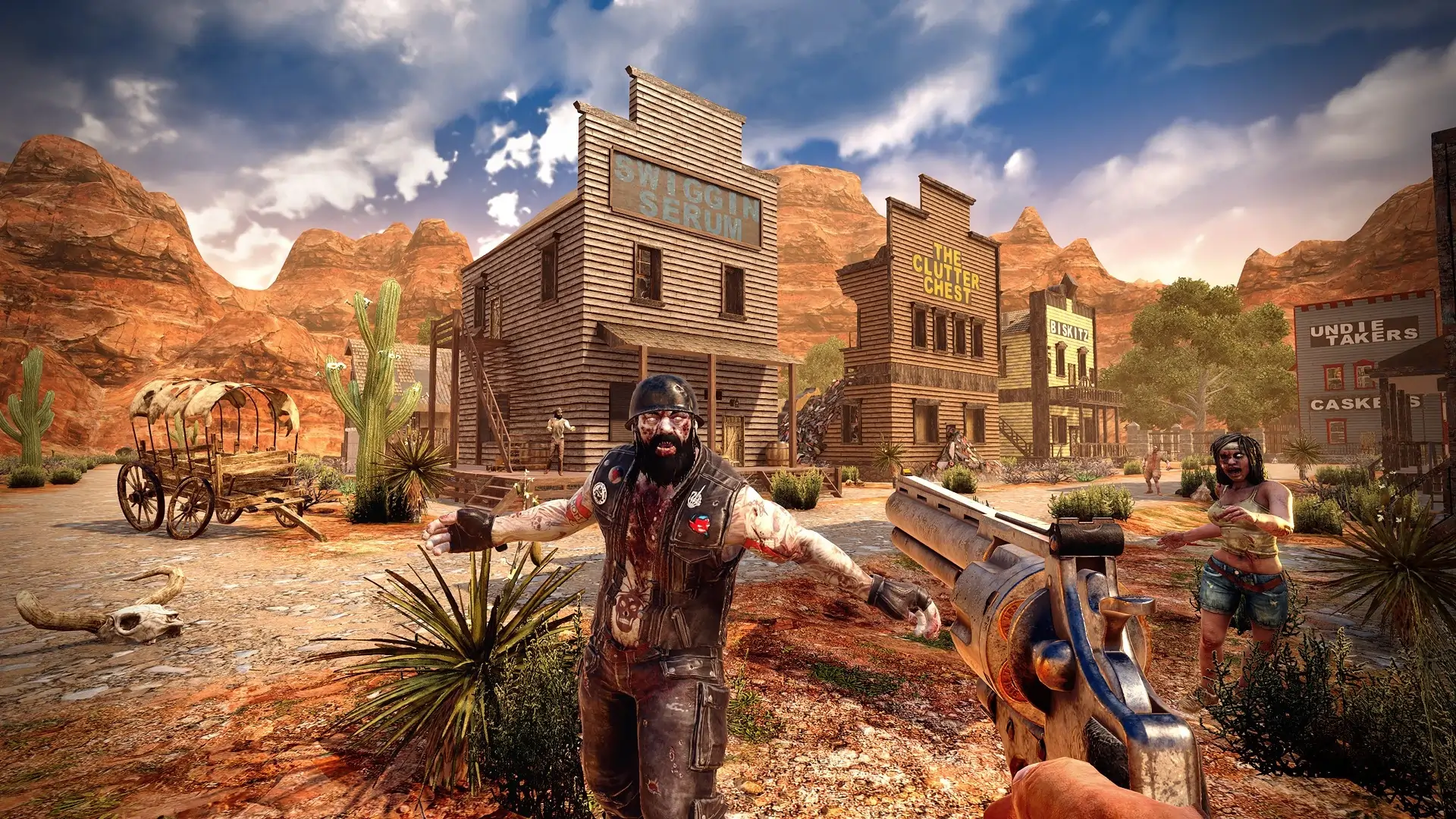
Survive the apocalyptic world together!
A hosted 7 Days to Die server lets you face zombies and elements with your friends. With specialized 7DTD hosting, performance stays stable during hordes and explorations.
Customize your 7 Days to Die server with mods, adjustable loot rates, custom difficulties and PvP/PvE rules. Dedicated 7DTD hosting allows you to create the perfect survival experience for your community.
Resources and Support
Guides, tutorials and assistance for your 7 Days to Die server
Frequently asked questions
Which 7 Days to Die plan to choose?
How do I become admin on my 7 Days to Die server?
How do I set the difficulty, Blood Moons and loot?
My server slows down during the Blood Moon, what can I do?
Going further
Ready to launch your 7 Days to Die server?
Deploy your 7 Days to Die server instantly, with 24/7 support included.